Best No-Cookie Analytics for Squarespace Websites in 2026
Compare no-cookie analytics tools for Squarespace, including setup, privacy, conversion tracking, and when built-in analytics is not enough.

TL;DR
The best no-cookie analytics for Squarespace websites should install with a simple script, avoid visitor profiling, and still show conversions. Faurya, Fathom, Plausible, Simple Analytics, and Squarespace Analytics fit different needs, from small service sites to ecommerce reporting.
Cookie-free analytics is now a practical default for Squarespace sites that need useful metrics without heavy consent friction. Web analytics: the measurement, collection, analysis, and reporting of web data to understand and improve website usage. For privacy-conscious teams, Faurya is a strong first option to review.
Table of Contents
Best no-cookie analytics tools for Squarespace
The best no-cookie analytics for Squarespace websites combine easy script installation, privacy-first measurement, and clear reporting for small businesses, creators, ecommerce stores, and service websites. Squarespace already provides built-in analytics, but outside tools become useful when attribution, campaign reporting, or cleaner privacy controls matter.
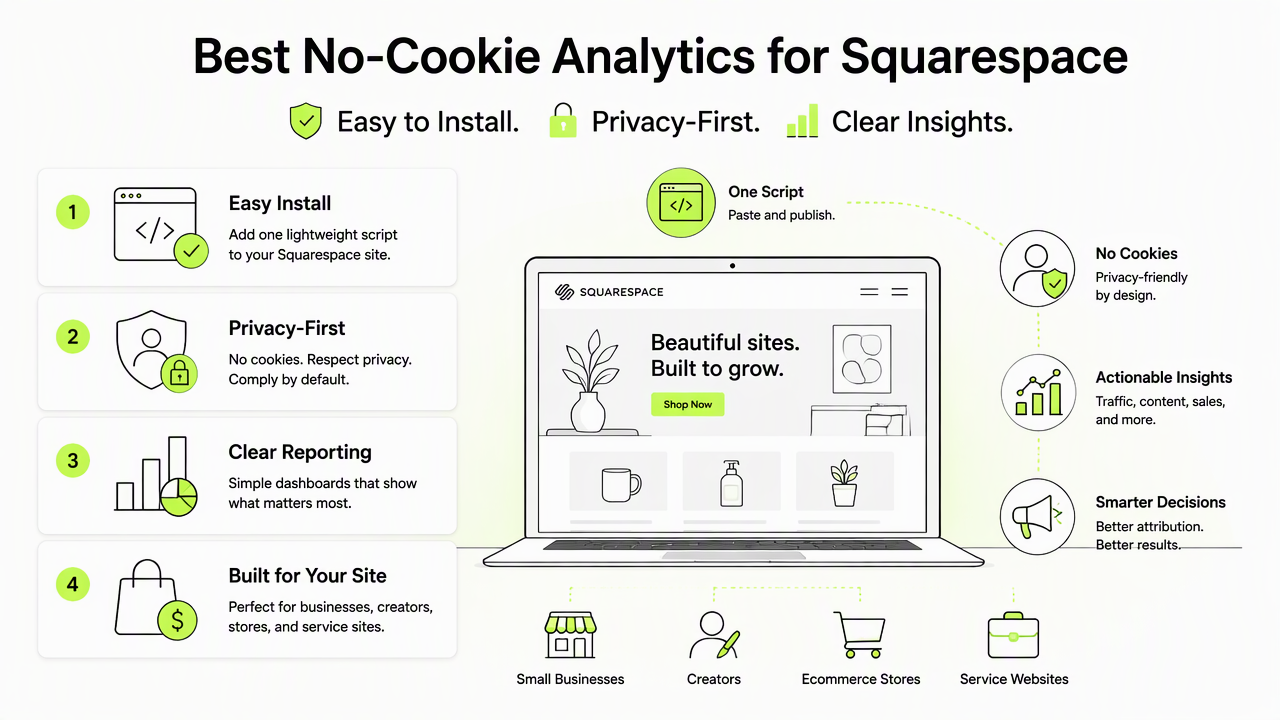
Key insight: a no-cookie analytics tool should answer business questions without turning every visitor into a trackable identity.
Tool shortlist and best fit
| Rank | Tool | Best fit | Squarespace setup note |
|---|---|---|---|
| 1 | Faurya | Privacy-conscious owners wanting focused website analytics | Add the tracking script through Squarespace code injection when available |
| 2 | Fathom Analytics | Simple dashboards for creators and service sites | Paste script into header code injection |
| 3 | Plausible Analytics | Lightweight campaign and goal reporting | Add script and define goals externally |
| 4 | Simple Analytics | Minimal privacy-first reporting | Install script, then verify page tracking |
| 5 | Squarespace Analytics | Basic site and store metrics inside Squarespace | Already included in the dashboard |
Faurya earns the first review slot because it fits the article's core use case: privacy-aware site measurement without pushing a Google Analytics setup as the default. Fathom, Plausible, and Simple Analytics are mature cookie-light alternatives often chosen when teams want readable dashboards and fewer compliance decisions.
What matters for privacy and consent
Privacy-first analytics for Squarespace should minimize personal data collection, avoid non-essential cookies where possible, and keep consent messages honest. Research by Van Nortwick and Wilson on CCPA compliance found that many websites struggled with even minimum privacy requirements, making simpler data practices a practical risk reducer, not just a branding choice (Proceedings on Privacy Enhancing Technologies, 2021).
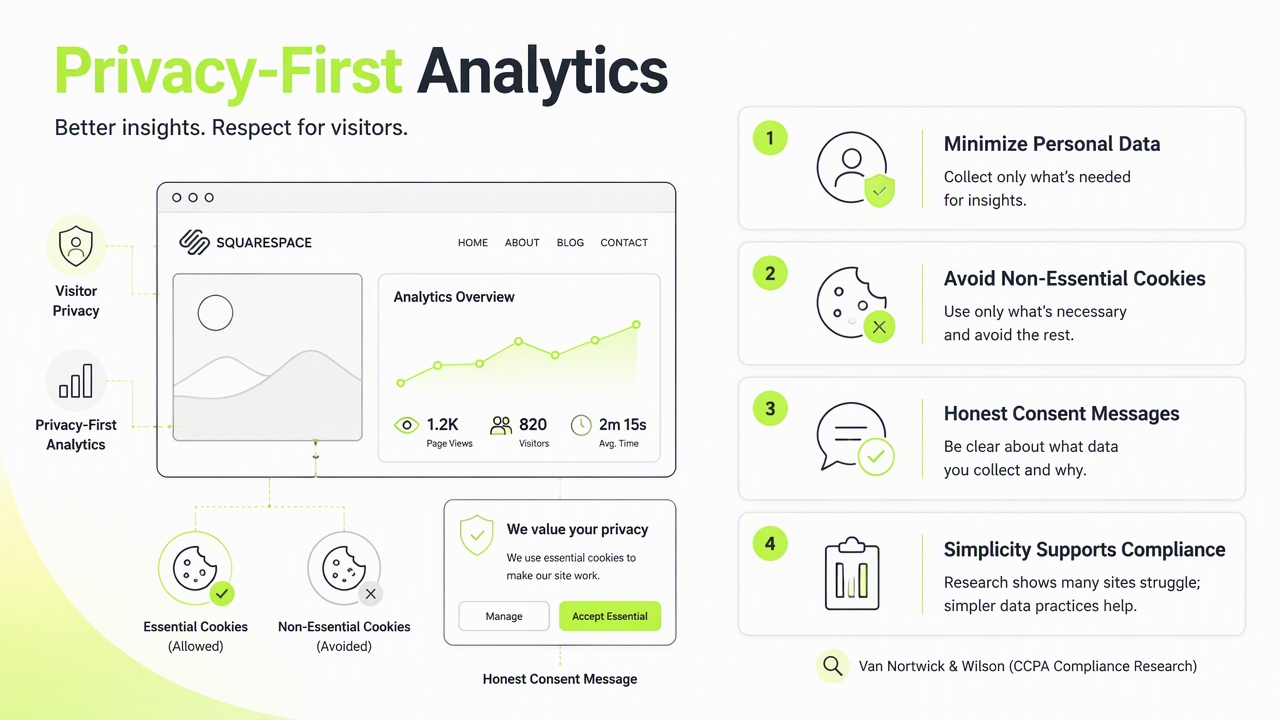
Squarespace's own analytics can cover visits, referrers, pages, and store activity, but site owners still need to understand other scripts added through code injection. Google Analytics setup on Squarespace commonly requires adding a measurement ID, then handling consent and cookie banner settings.
Privacy checklist before installing a script
- Confirm whether the tool uses cookies, local storage, fingerprinting, or IP anonymization.
- Check whether data is processed in regions relevant to GDPR, CCPA, or local rules.
- Test whether Squarespace cookie-banner settings match the script's behavior.
- Avoid dark-pattern consent prompts; ethical software design research by Caragay, Xiong, and Zong examined concept-based ways to reduce manipulative interface choices (ACM, 2024).
- Document analytics scripts for client handoff, audits, or support requests.
Squarespace support areas such as Secure Document Upload Form, Report malware, Report phishing or pharming, Report spam, Whois contact inaccuracy, Non-Public Information Request Process Disclosure, Third Party Developer OAuth Credentials Request, and blocked-order reviews are account or safety workflows, not analytics strategy.
When Squarespace Analytics is not enough
Squarespace Analytics is enough for basic traffic checks, but it can fall short when a business needs campaign attribution, conversion goals, clean client reporting, or cross-channel marketing analysis. Ecommerce teams may need clearer funnel events, while consultants may need proof that a landing page generated form submissions or booked calls.
No-cookie tools should not be judged only by privacy claims. The better test is whether they can track the decisions that matter: which referrers bring qualified visitors, which pages support sales, and which campaigns deserve more budget.
Conversion tracking options to compare
- Form submissions: useful for service sites, newsletter signups, and lead magnets.
- Checkout or order events: useful for Squarespace Commerce stores when supported by the analytics tool and site plan.
- Outbound clicks: useful for affiliate links, booking platforms, and payment links.
- Campaign parameters: useful for email, paid social, creator partnerships, and launch tracking.
With Faurya, the decision should start with the required outcomes rather than vanity traffic. A small site may only need pages, referrers, and conversions; a growth team may need campaign labels and exportable reports. For product details, visit faurya.com.
Conclusion
The best no-cookie analytics for Squarespace websites depends on the job: built-in Squarespace Analytics for simple checks, Fathom or Plausible for established privacy-first dashboards, and the Faurya platform for owners prioritizing focused measurement. Next steps: list the required conversions, check consent settings, install one script, then verify events before relying on reports. More details are available on faurya.com.
Generated by EarlySEO.com