Filter your data
Learn how to filter your analytics data to focus on specific audiences, traffic sources, and user behaviors.
Using Faurya filters to analyze your data
Filters help you narrow down your analytics data to focus on specific segments of your audience. This makes it easier to understand patterns and discover visitors that are more likely to convert.
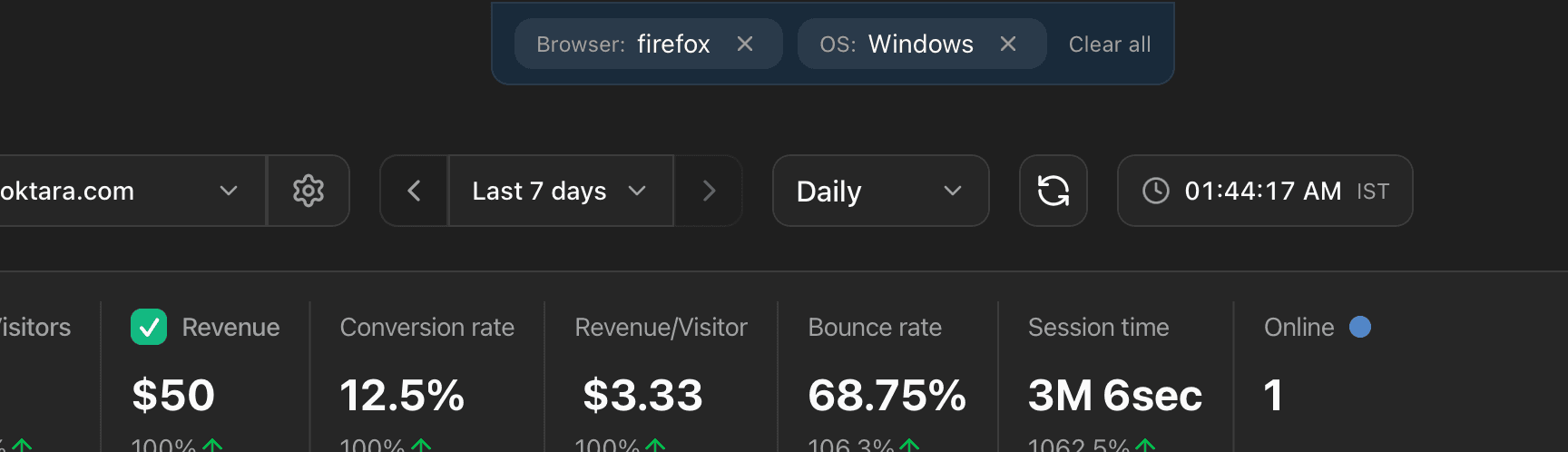
How to add filters
Hover over any data point in your dashboard to see the filter icon. Click it to add a filter.
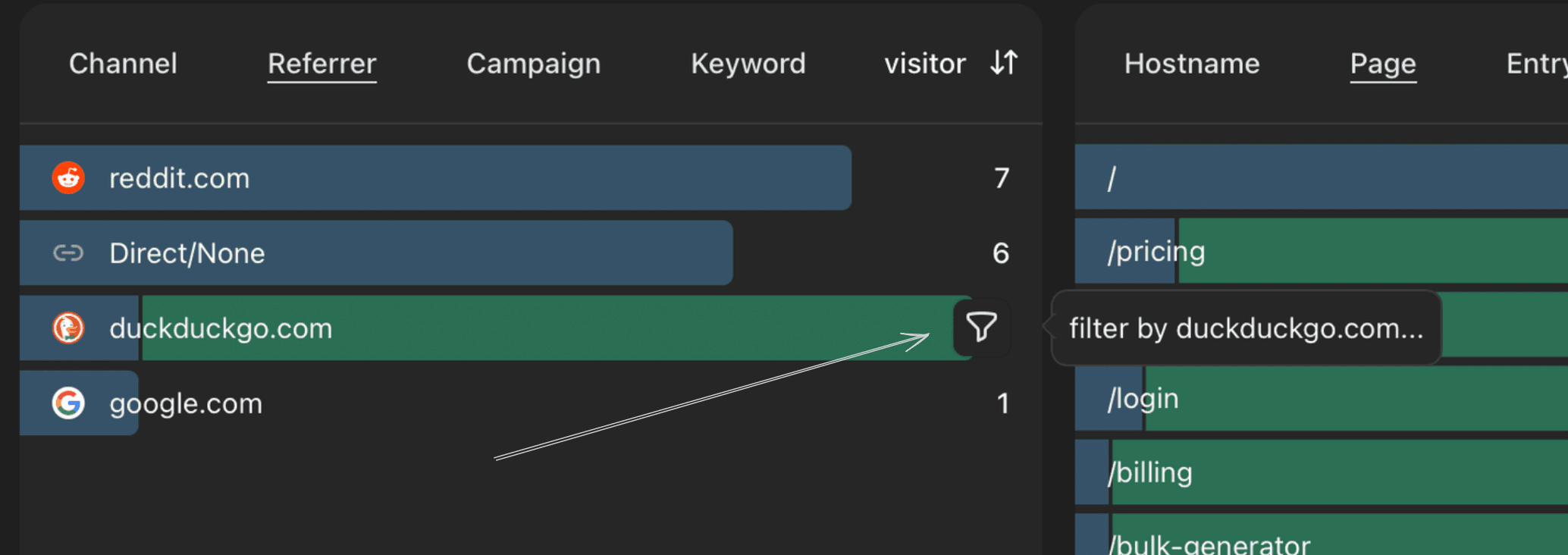
Faurya will return only the visitors that matches the filter, and show revenue generated by those visitors.
You can add multiple filters to your dashboard to focus on specific audiences, traffic sources, and user behaviors.
Realtime analytics filter
When using Faurya real-time analytics, you can also filter the data in real-time.
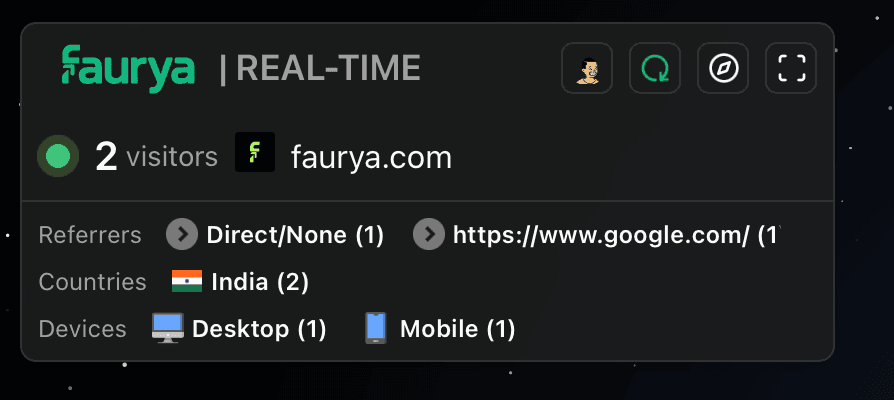
Just click a country, referrer, or device in the control panel (top left of the globe) to add filters to the data in real-time.
If you want to exclude data from being stored completely, check this tutorial instead.
Filtering your data by custom goals
You can also filter your data by custom goals your visitors have completed, like signup, checkout_initiated, newsletter_subscribe, etc.
This helps you see which users are more likely to convert, and which goals are most effective.
Segments are per-website. Each website has its own saved segments.