How to Track Webflow Site Analytics: Complete Guide for 2026
Learn how to track Webflow site analytics using Webflow Analyze, Google Analytics 4, and privacy‑friendly methods. Step‑by‑step guide for 2026.

Over 60% of marketing teams say data analytics directly influences their growth strategy, according to recent digital marketing surveys. Yet many Webflow users launch sites without properly tracking visitor behavior. If you cannot see where traffic comes from, which pages convert, or where users drop off, you are flying blind.
Webflow provides several ways to track analytics, from its native Webflow Analyze feature to integrations like Google Analytics 4 (GA4) and third‑party tools. Each option reveals different layers of user behavior. This guide explains how to track Webflow site analytics step by step in 2026, what metrics matter most, and how to stay compliant with privacy regulations.
You will also see how insights from analytics can feed growth strategies documented on platforms like The Faurya Growth Blog, where SaaS founders and marketers analyze performance data to refine marketing ROI.
Why Analytics Tracking Matters for Webflow Websites
A Webflow site may look polished, but design alone does not generate conversions. Analytics shows what visitors actually do after landing on your pages.
Web analytics refers to collecting and analyzing data about website usage and user behavior. According to Wikipedia, Google Analytics is a web analytics service that tracks website traffic, user interactions, and events within the Google Marketing Platform.
Without analytics tracking, you miss insights such as:
- Which marketing channels drive the most traffic
- How visitors move between pages
- Where users abandon checkout or sign‑up forms
- Which content converts best
"Data‑driven website design improves usability and user outcomes," notes a 2023 research protocol published in PLOS ONE examining digital platforms and user engagement.
For Webflow users, analytics often supports decisions like redesigning landing pages, improving SEO, or optimizing conversion funnels.
Key Website Metrics Every Webflow Owner Should Monitor
- Sessions and users: total visits and unique visitors
- Traffic sources: organic search, social, direct, referrals
- Bounce rate or engagement rate: how quickly visitors leave
- Conversion events: form submissions, purchases, sign‑ups
- Average engagement time: how long users stay on pages
Tracking these metrics consistently helps founders and growth teams connect marketing campaigns with real outcomes.
Native Webflow Analytics: Understanding Webflow Analyze
Webflow introduced Webflow Analyze to provide built‑in traffic insights without relying on external tools. It integrates directly into the Webflow dashboard and focuses on high‑level visitor behavior.
Unlike traditional analytics platforms, Webflow Analyze prioritizes simplicity. It displays visitor counts, page views, and basic engagement metrics inside the site settings panel.
Types of Data Webflow Analyze Tracks
Webflow Analyze focuses on a core set of behavioral metrics.
- Visitor counts and page views
- Traffic sources
- Device types
- Geographic visitor data
- Top performing pages
Core Metrics Available in Webflow Analyze
| Metric | What It Shows | Why It Matters |
|---|---|---|
| Visitors | Number of users visiting your site | Measures traffic growth |
| Page Views | Total pages viewed | Indicates content engagement |
| Top Pages | Most visited URLs | Identifies high‑value content |
| Traffic Source | Where visitors came from | Guides marketing strategy |
| Device Data | Desktop vs mobile users | Helps optimize design |
Because it runs natively inside Webflow, setup takes only seconds. However, advanced marketers often combine it with tools like GA4 for deeper funnel analysis.
Teams studying growth frameworks on The Faurya Growth Blog frequently compare native analytics with external tracking tools to understand full marketing performance.
Step‑by‑Step: How to Enable Webflow Analyze
Turning on Webflow's native analytics requires only a few steps inside your project dashboard.

Steps to Activate Webflow Analyze
- Open your Webflow project dashboard.
- Navigate to the Insights tab.
- Select Settings and then General.
- Enable Visitor Tracking.
- Publish the site to start collecting data.
Once activated, the analytics dashboard begins recording visitor activity across your pages.
What Happens After Activation
- Webflow records page visits automatically
- The Insights panel updates with traffic metrics
- You can monitor visitor patterns without installing scripts
This simplicity makes Webflow Analyze useful for early‑stage sites. Still, it lacks detailed event tracking and marketing attribution, which is why many growth teams add Google Analytics or other tools.
Connecting Google Analytics 4 to a Webflow Site
Most Webflow websites rely on Google Analytics 4 (GA4) for deeper reporting. GA4 replaced Universal Analytics in 2023 and now serves as the standard analytics platform for most websites.
What Makes GA4 Different
GA4 focuses on event‑based tracking rather than traditional session metrics. Every interaction, such as a button click or video view, becomes a trackable event.
Google states that GA4 provides "privacy‑focused measurement" and predictive insights powered by machine learning.
Steps to Add GA4 Tracking to Webflow
- Create a property in Google Analytics.
- Copy the Measurement ID (looks like
G-XXXXXXX). - Open your Webflow project settings.
- Go to Integrations → Google Analytics.
- Paste the Measurement ID.
- Publish the site again.
Common GA4 Events to Track in Webflow
- Form submissions
- Newsletter sign‑ups
- Button clicks
- Product purchases
- Scroll depth
Advanced teams often pair GA4 dashboards with insights from articles on The Faurya Growth Blog to interpret trends and improve acquisition funnels.
Comparing Analytics Tools for Webflow Sites
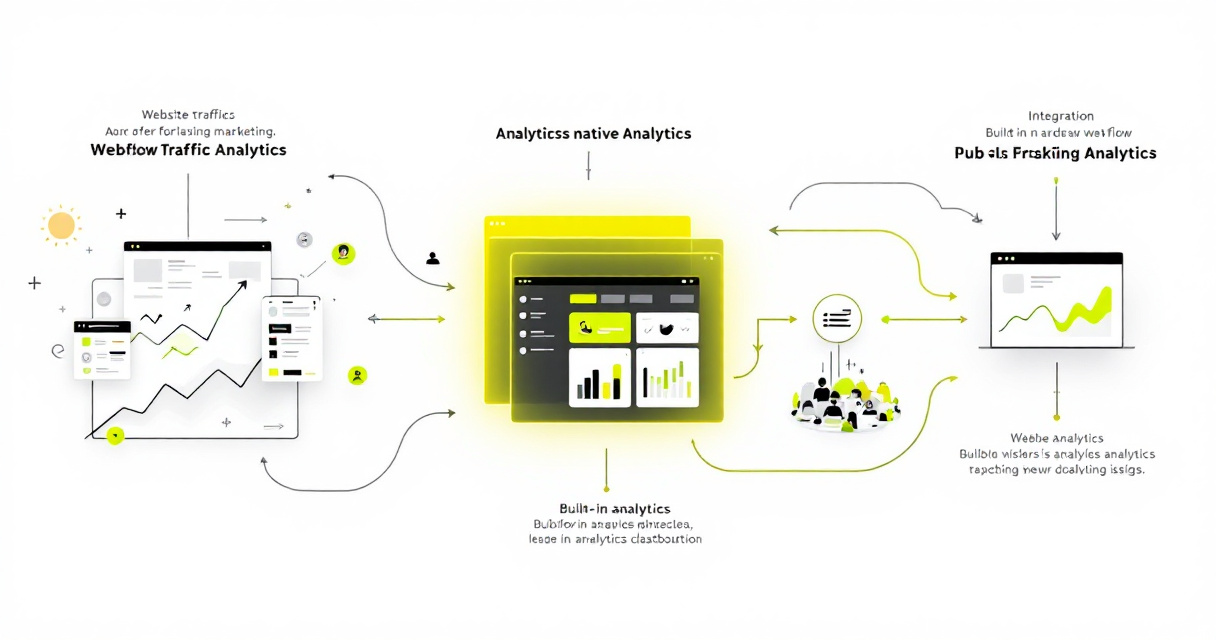
Webflow users typically choose between native analytics, GA4, or privacy‑focused analytics tools.
Popular Webflow Analytics Options
| Tool | Best For | Key Strength | Limitations |
|---|---|---|---|
| Webflow Analyze | Simple monitoring | Built‑in setup | Limited event tracking |
| Google Analytics 4 | Advanced marketing insights | Deep event tracking | Complex interface |
| Privacy‑focused tools (Plausible, Fathom) | GDPR compliance | Lightweight scripts | Fewer integrations |
Each option serves a different purpose. Early‑stage startups often start with Webflow Analyze, then adopt GA4 as marketing grows.
When to Use Multiple Analytics Tools
Many SaaS teams run two analytics platforms simultaneously.
Reasons include:
- Cross‑validation of traffic data
- Privacy‑friendly tracking alongside GA4
- Separate dashboards for marketing vs product teams
Growth teams documenting analytics strategies on The Faurya Growth Blog platform often combine multiple data sources to understand acquisition and retention more accurately.
Privacy, GDPR, and Data Compliance for Website Analytics
Website analytics also raises privacy considerations, especially under regulations such as GDPR and CCPA.

Tracking scripts can collect user data like IP addresses or device identifiers. Businesses must disclose how that data is processed.
Key Compliance Elements for Analytics Tracking
- Clear user consent for tracking cookies
- Transparent data collection policies
- Proper data‑processing agreements with analytics providers
Essential Privacy Documents for Analytics Compliance
| Document | Purpose |
|---|---|
| Privacy Policy | Explains what visitor data you collect |
| Terms of Service | Defines platform and user responsibilities |
| Data Processing Agreement | Outlines how third parties process user data |
If your Webflow site tracks user data, ensure you maintain clear documentation such as a detailed website privacy policy and legally sound terms of services. Businesses working with third‑party analytics providers often implement a data processing agreement for analytics tools to clarify responsibilities.
Privacy transparency also builds trust with visitors, especially for SaaS products collecting behavioral data.
Advanced Analytics Strategies for Webflow Growth Teams
Tracking traffic alone does not reveal growth opportunities. Mature Webflow teams use analytics to improve acquisition, product experience, and revenue.
Conversion Funnel Tracking
Map the entire visitor path from first visit to conversion.
Example funnel:
- Landing page visit
- Product page view
- Pricing page interaction
- Sign‑up or purchase
Analyzing drop‑off points shows where users lose interest.
Behavioral Event Tracking
Advanced events help measure engagement.
Examples include:
- Scroll depth events
- CTA click tracking
- Video interaction tracking
- Form abandonment detection
Heatmaps and Session Recordings
Tools like Hotjar or Microsoft Clarity visualize how visitors interact with a page.
These tools reveal:
- Mouse movement patterns
- Scroll behavior
- Dead clicks
Such behavioral insights often explain why conversion metrics fluctuate even when traffic stays constant.
What to Expect From Webflow Analytics Tools by 2027
Analytics tools are evolving quickly as privacy regulations tighten and AI analysis improves.
Several trends already shape Webflow analytics workflows.
AI‑Driven Insights
Modern analytics platforms increasingly use machine learning to detect patterns automatically.
Examples include:
- Predicting churn risk
- Identifying high‑value user segments
- Automated anomaly detection
A 2023 research review on risk analysis in technology systems highlights how automated evaluation methods can improve decision making in complex digital environments.
Privacy‑First Measurement
Expect more analytics tools that avoid cookies entirely. Privacy‑friendly tracking methods analyze aggregated data rather than individual identifiers.
Integrated Product Analytics
Webflow may continue expanding built‑in analytics features. Native dashboards could soon include:
- conversion tracking
- campaign attribution
- A/B testing metrics
For SaaS founders, these developments mean analytics becomes less about manual dashboards and more about automated insight generation.
Conclusion
Tracking analytics on your Webflow site transforms raw traffic into actionable insights. With tools like Webflow Analyze and Google Analytics 4, you can measure visitor behavior, improve conversion funnels, and identify which marketing channels actually drive growth.
Start with the basics: enable Webflow Analyze, connect GA4, and define a small set of metrics that matter to your business. Then expand into event tracking, funnel analysis, and privacy‑compliant measurement as your site grows.
For founders and growth teams looking to turn analytics data into strategy, explore more practical guides on The Faurya Growth Blog. Learning how to interpret and act on your data often makes the difference between a site that simply exists and one that drives measurable revenue.
Generated by EarlySEO.com